

1. Create a GrowthBook Account
You will need a GrowthBook account. You can either run GrowthBook locally or using the cloud hosted GrowthBook at https://app.growthbook.io. If you are installing it locally, you can follow the self-hosting quick start instructions here: self hosting instructions.2. Create a JS source in Rudderstack
From within your Rudderstack account, create a new JS source.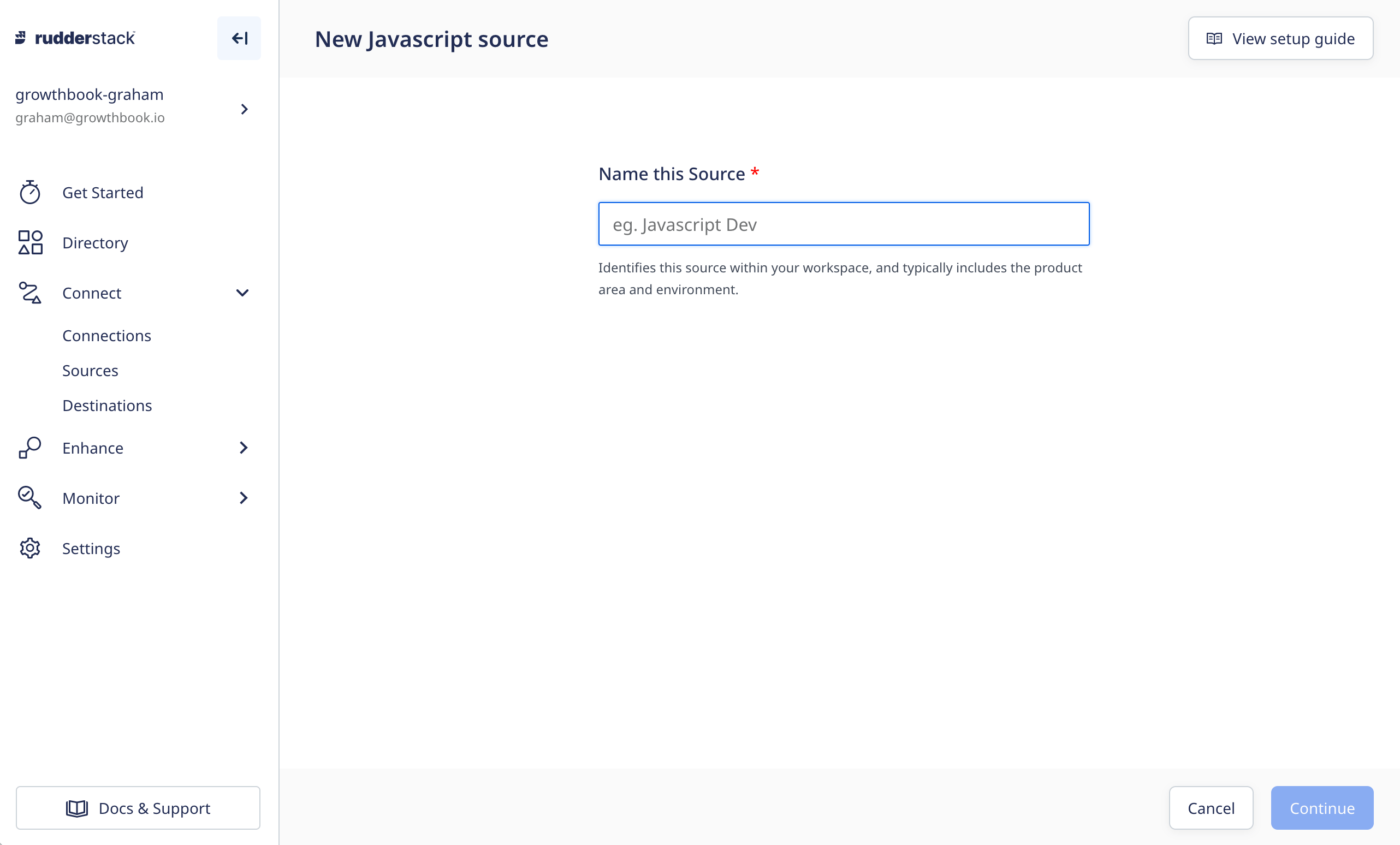
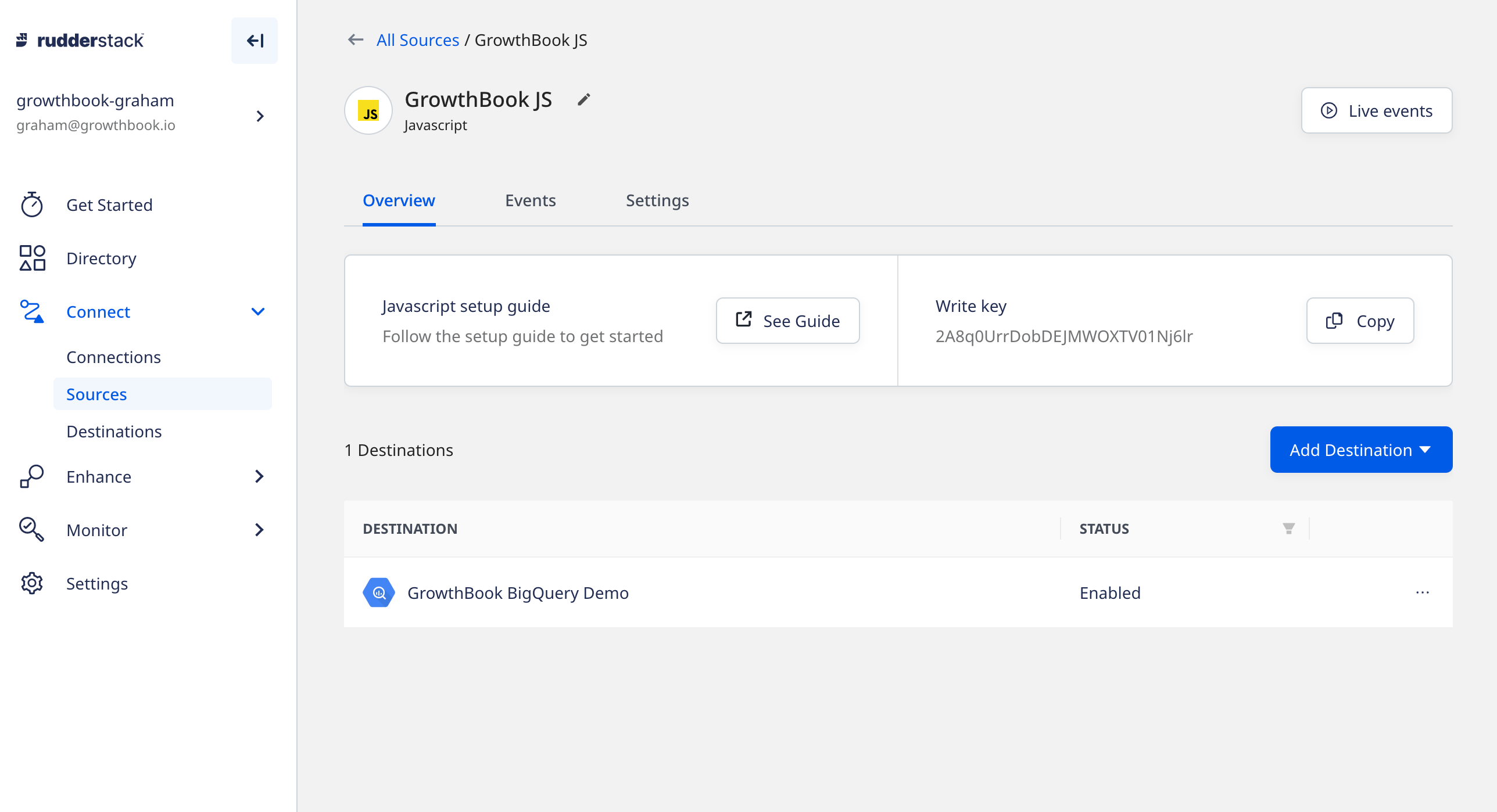
GrowthBook JS. When the source is created, connect it to
your BigQuery data warehouse (or whatever destination you’re using for GrowthBook experiment data). You can read more
about how to connect to your data destination here.
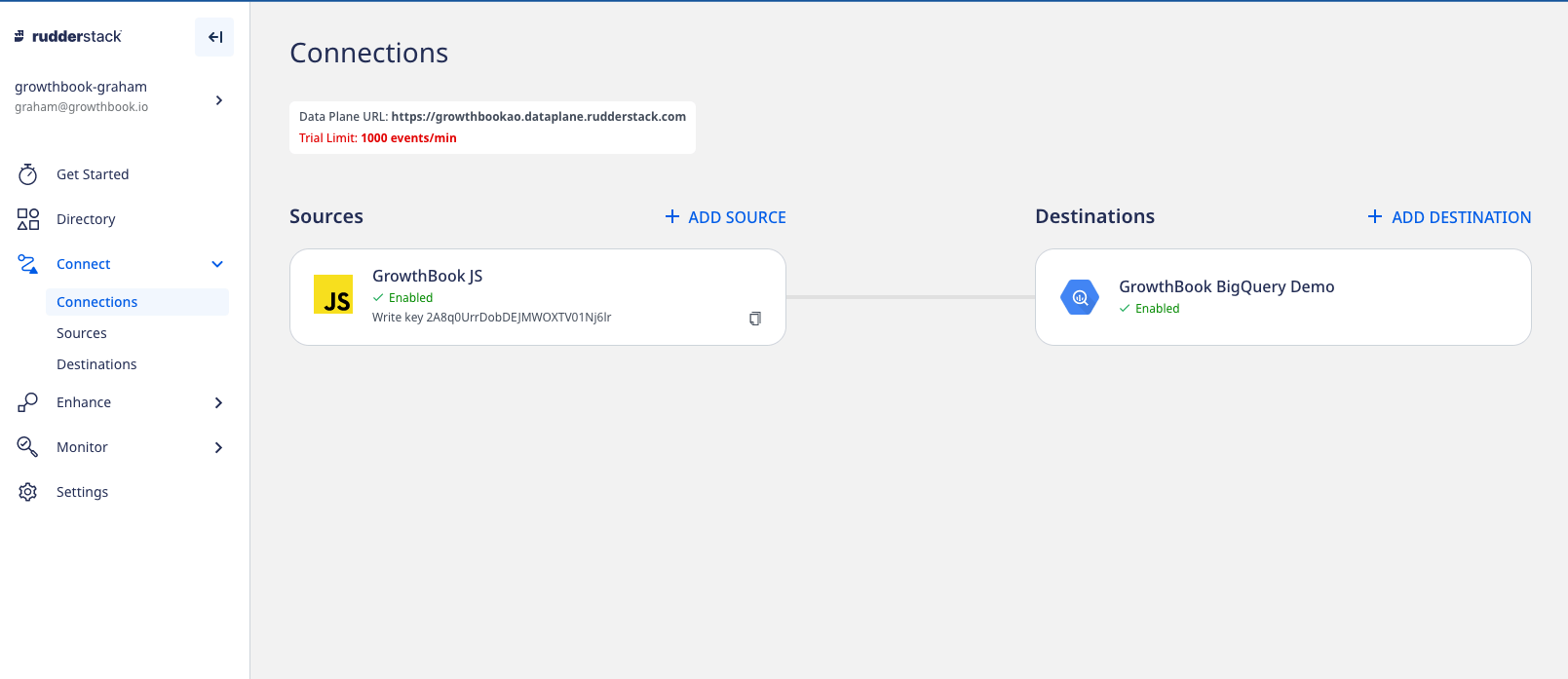
Data plane URL which appears near the top of the page.
3. Integrate Rudderstack into your Next.js application
While there is plenty of documentation on how to add Rudderstack to your Next.js application out there, none of those implementations are very Next.js like, and limit the ability of Rudderstack to integrate more deeply into your code- including using GrowthBook. Below is the integration code that we came up with to address these concerns.install the Rudderstack Analytics package
Install the javascript SDK for Rudderstack with yarn,Create Rudderstack loader
Create arudder.js file in your Next.js project. This file will load Rudderstack’s SDK in a reusable and asynchronous way.
identify, you can extend the rudderObj.
You’ll also have to add the Rudderstack Key and Host to your environment variables, or add to your .env.local file:
write key from the JS source we made in step 2, and the HOST is the data plane URL.
Integrate Rudderstack into your Next.js application
In your_app.js, add the Rudderstack integration we just created
rudder.track() in your app anywhere you import rudder.js while sharing the same Rudderstack object.
4. Integrate the GrowthBook React SDK into our Next.js app
We first need to install the GrowthBook React SDK in our Next.js app:pages/_app.js to add GrowthBook and Rudderstack. Import GrowthBook (and Rudderstack, if you haven’t):
The names
experiment Viewed, experimentId and variationId will be
mapped to experiment_id and variation_id columns in the
experiment_viewed table within BigQueryuseEffect hook to update Rudderstack and GrowthBook when the page changes.
id with in GrowthBook to the Rudderstack anonymous_id. If you want to load user_id as well as anonymous_id you’ll have to add this id to the setAttribute, and also call the rudder.identify() with the user_id info.
Finally, wrap your Next.js project in the GrowthBookProvider component, so we can use the GrowthBook methods throughout the codebase without doing addition instantiation.
_app.js should look something like this: