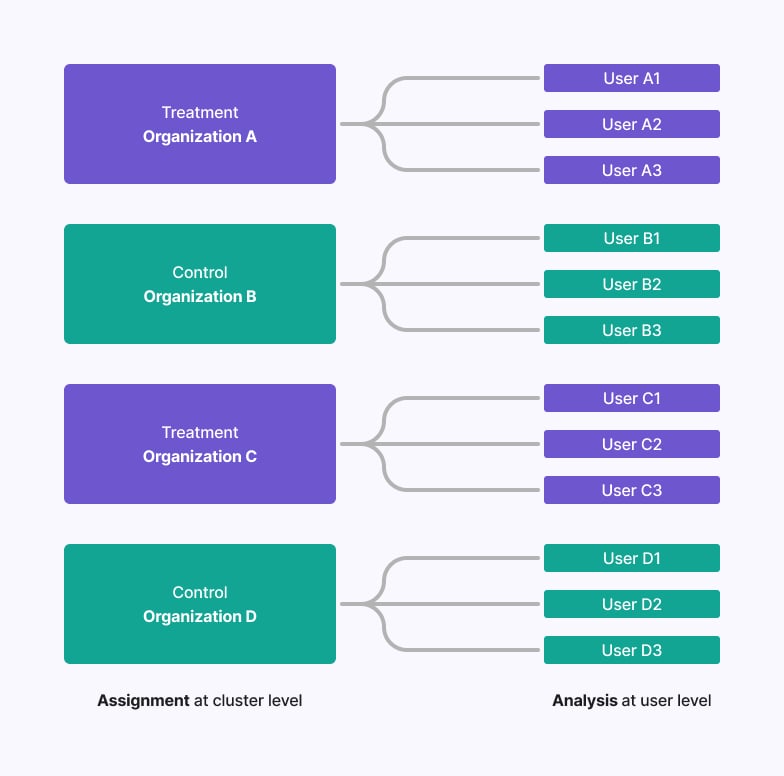
- A B2B software company might want to randomize at the business level so that everyone at the company gets the same experience, but analyze individual user behavior to measure impact.
- An education technology company might randomize at the school district level due to geographic constraints, but analyze outcomes at the student level.
How to run a Cluster Experiment
Running a cluster experiment at the organization level while analyzing at the user level is possible in GrowthBook using Fact Tables and the robust statistics engine. Here’s how:0. Prerequisites
Before setting up your cluster experiment, ensure you have the following:organization_idmust be set up as an Identifier Type on your Data Source page.- If GrowthBook is handling randomization, create an Attribute
organization_id.
1. Set up a Fact Table with both identifier types
You need a version of your user-level metrics that has the distinct count of users as a custom denominator. To do this, create a Fact Table that has bothorganization_id and user_id as columns,
along with whatever other columns you need to create your metrics of interest. You can also use multiple fact tables with this
configuration if you prefer.
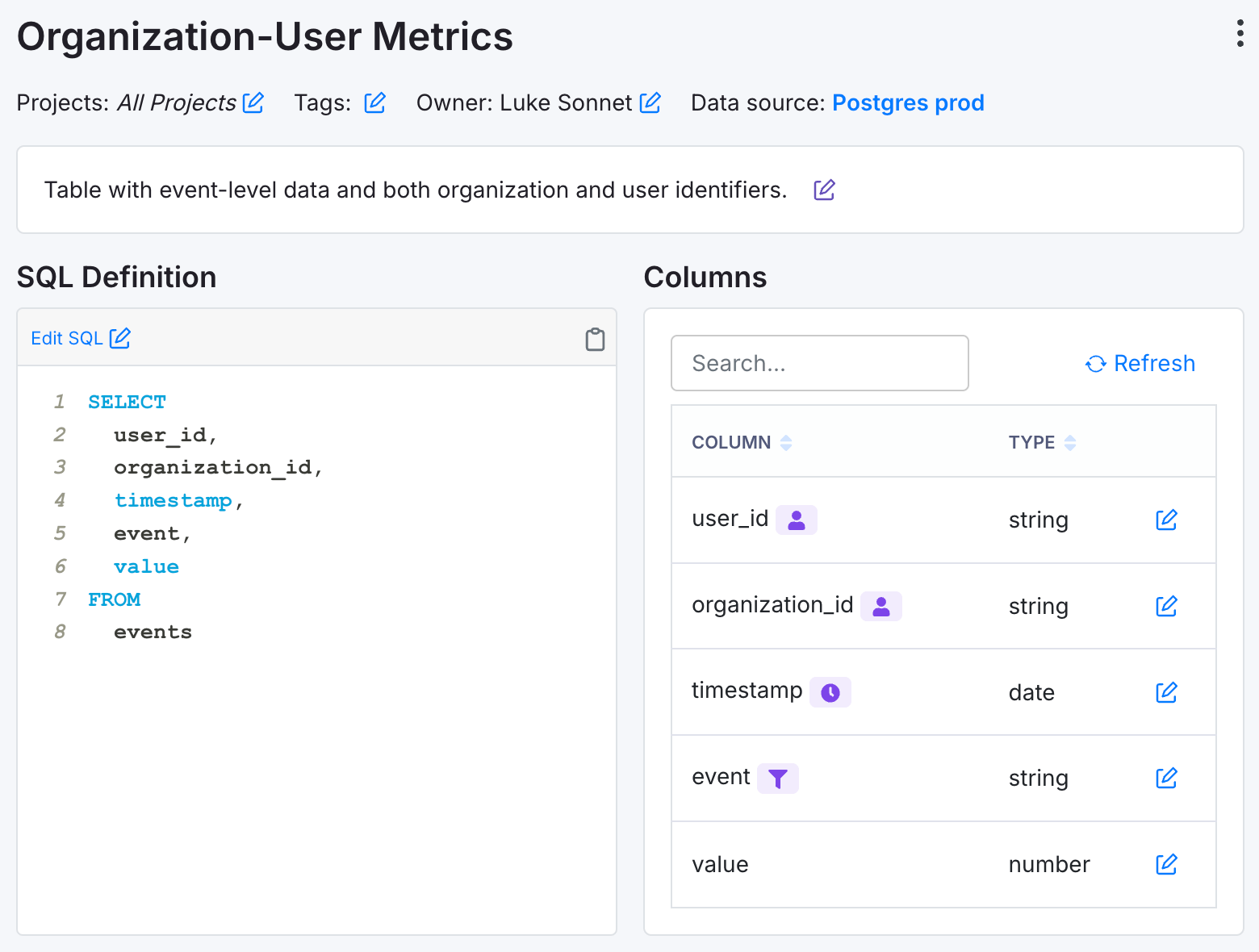
user_idandorganization_ididentifiers.- An
eventcolumn that represents the event you are interested in measuring. - A numeric
valuecolumn that represents the value of the event.
Ensure every user has at least one eventEvery
user_id exposed to the experiment should have at least 1 event logged to ensure inclusion in the metric denominator.2. Set up your Metrics
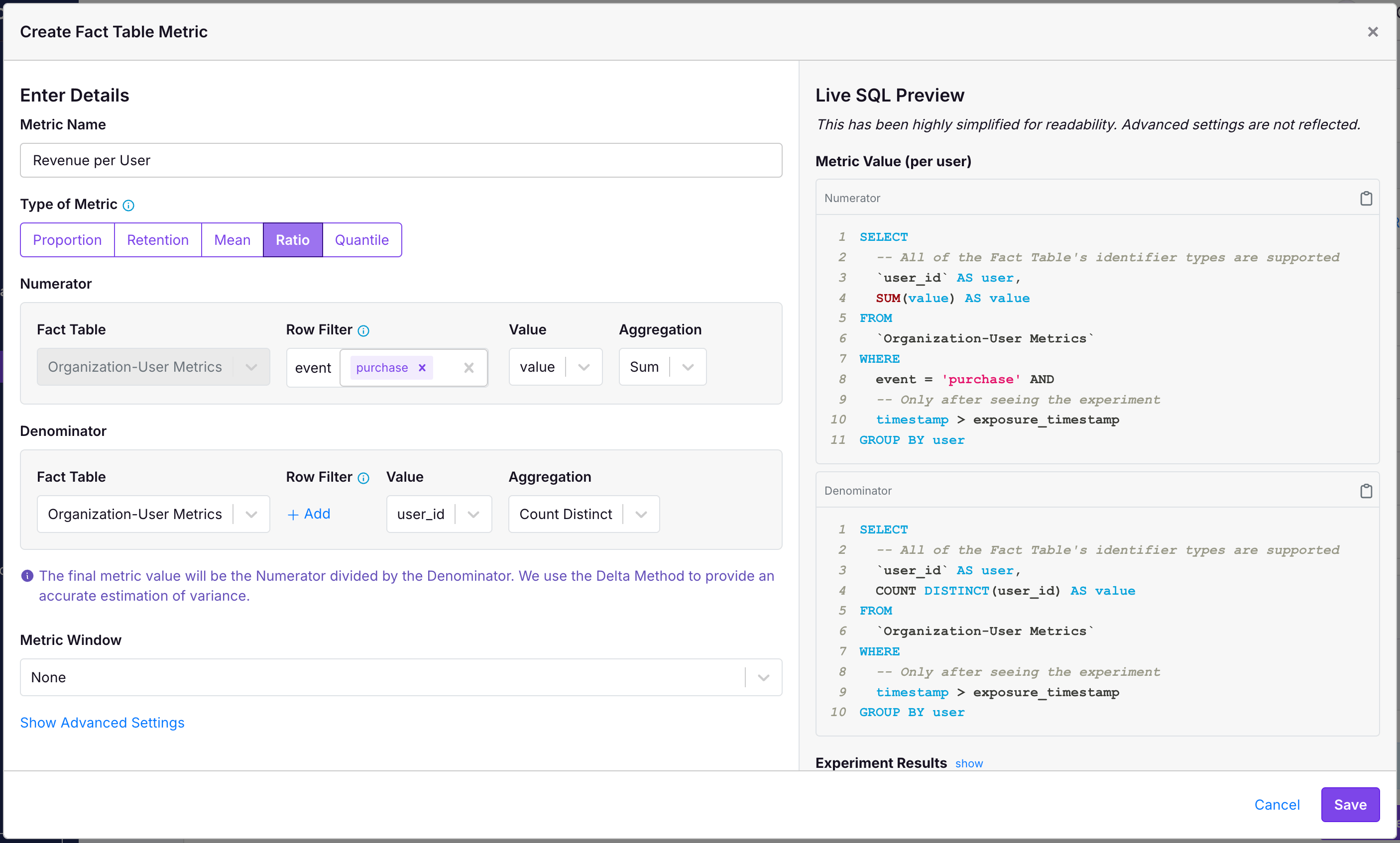
Using this Fact Table, create Ratio Metrics that all have theCOUNT DISTINCT of user_id as their denominators.
In the following example, we have a User Revenue metric:
- The numerator is sum the value of all purchases across all users.
- The denominator is the
COUNT DISTINCTnumber ofuser_id.
- The numerator is a
COUNT DISTINCTnumber ofuser_idthat did some particular event. - The denominator is a
COUNT DISTINCTofuser_idthat logged any event.
3. Create your Experiment at the Organization level
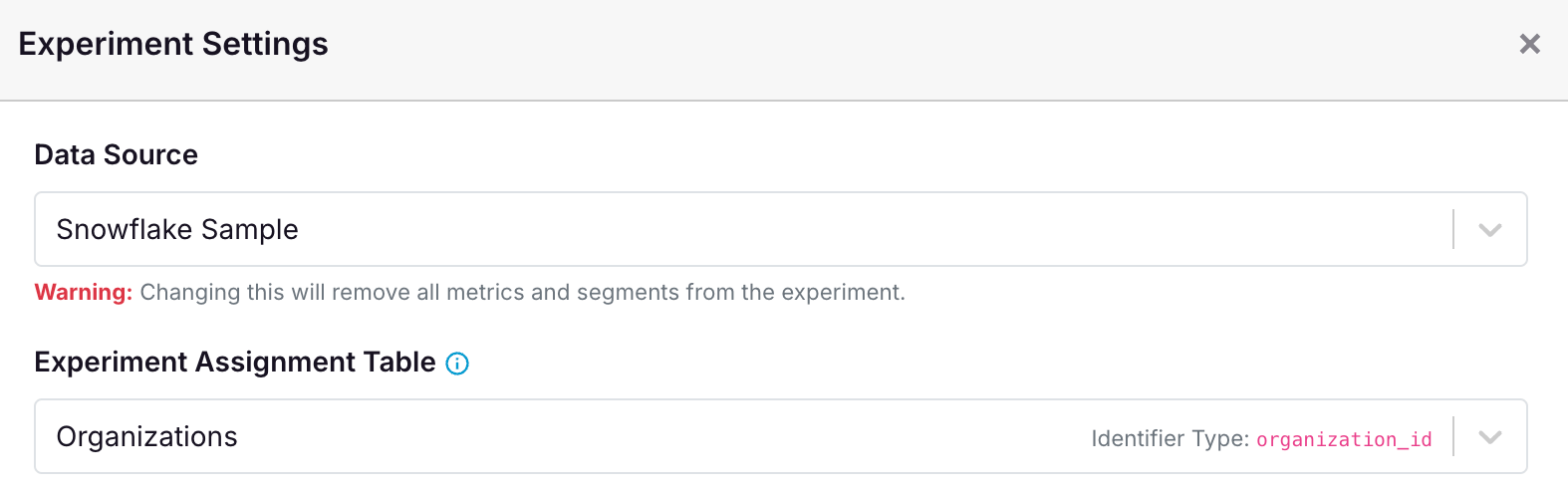
All that is left to do is create your experiment where you randomize at theorganization_id level. The following screenshot shows an example of that.
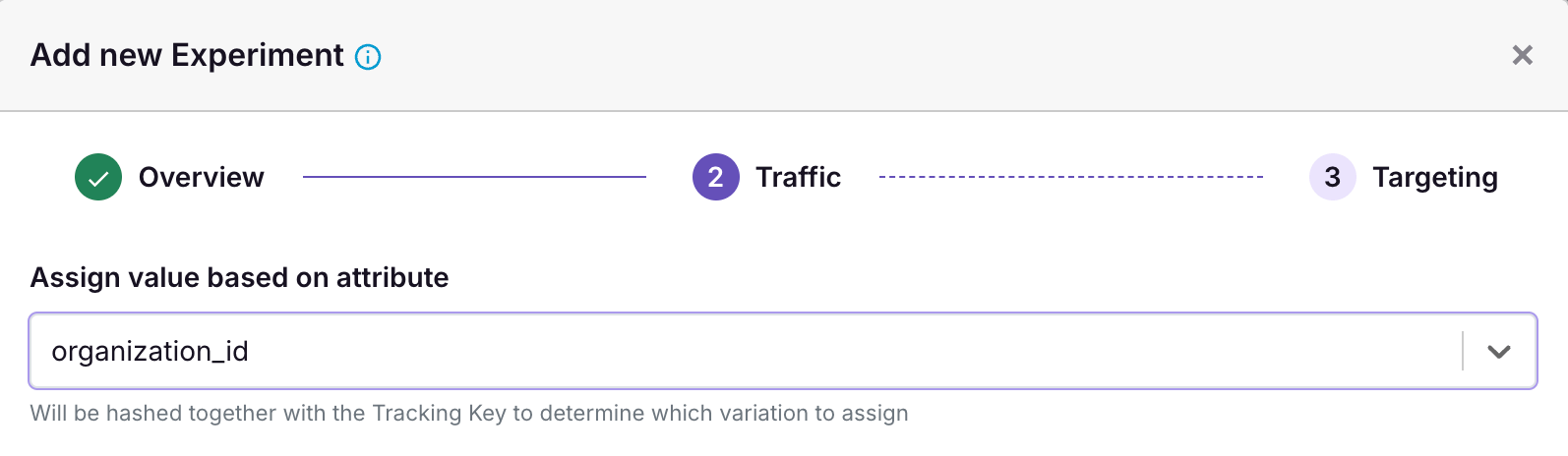
organization_id mapping. If you do not have one, you may need to set it up in your Data Source to ensure that GrowthBook knows the mapping between organization_id and experiment and variation assignments.