1. Integrate GrowthBook’s SDK with Matomo within your application
You can follow the SDK integration guides depending on your language. We need to add theTrackingCallback call
specifically for Matomo. For this guide, we’ll use Javascript (Next.js).
Matomo lets you track custom events, and you can adjust the Event Category, Event Action, Event Name, and
Event Value. You can read more about the custom tracking call at Matomo’s documentation site.
To work with the default data schema in GrowthBook, we will encode the following:
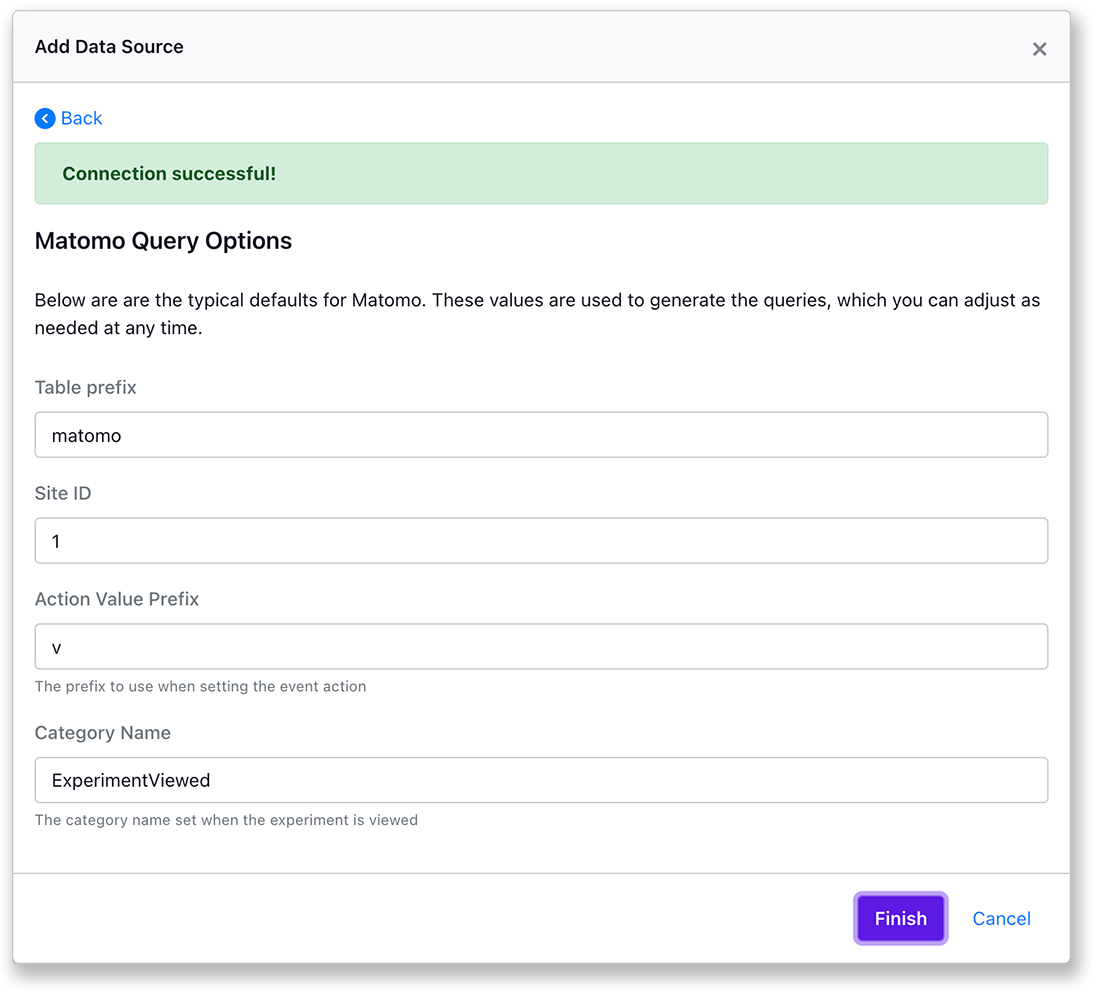
Event Category: will have the valueExperimentViewedto isolate the exposure events.Event Action: will store the experiment key.Event Name: will store the variation id (with a prefix ofvor some other string)
Event Name prefix for MatomoWe use the string prefix on the Event Name so that it is saved correctly, as
0
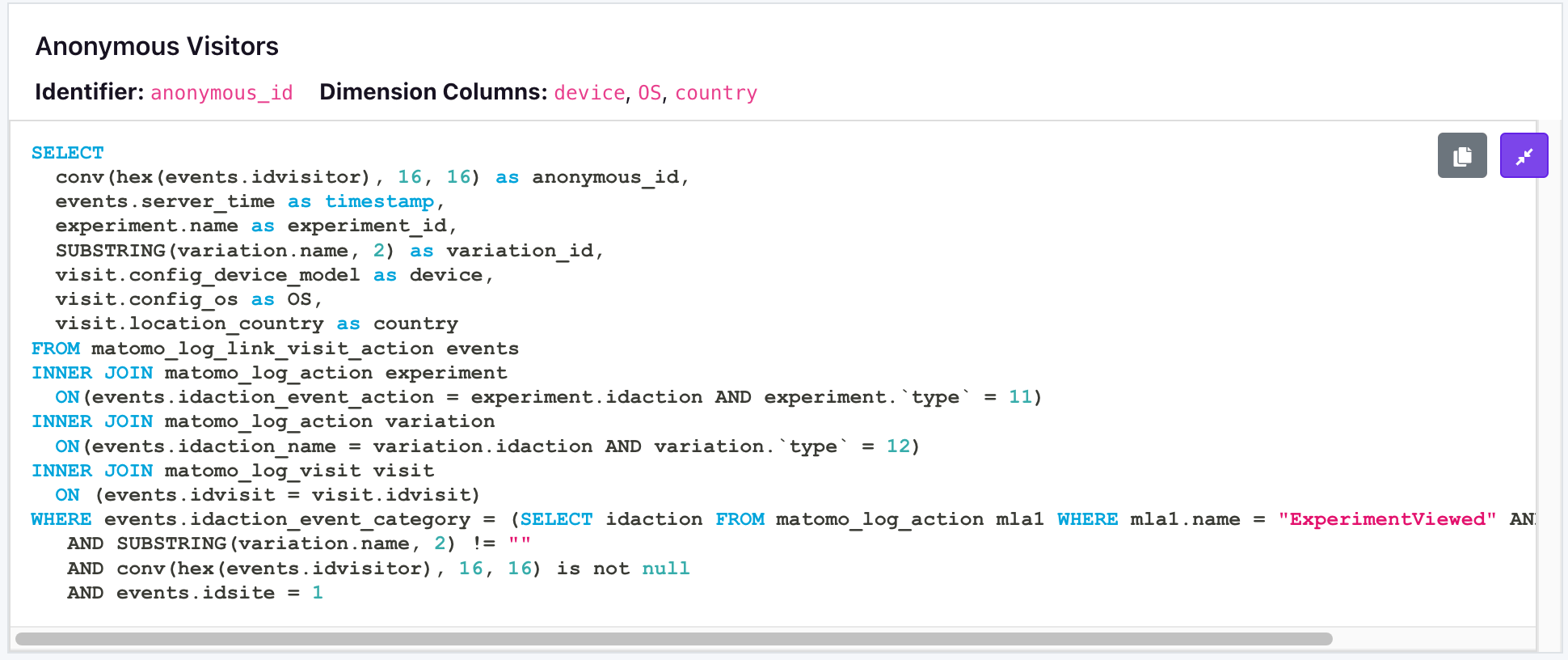
saves as null, but v0 works correctly. This prefix is stripped with the SQL
exposure query in step two.visitor ID
2. Add the Data Source for Matomo
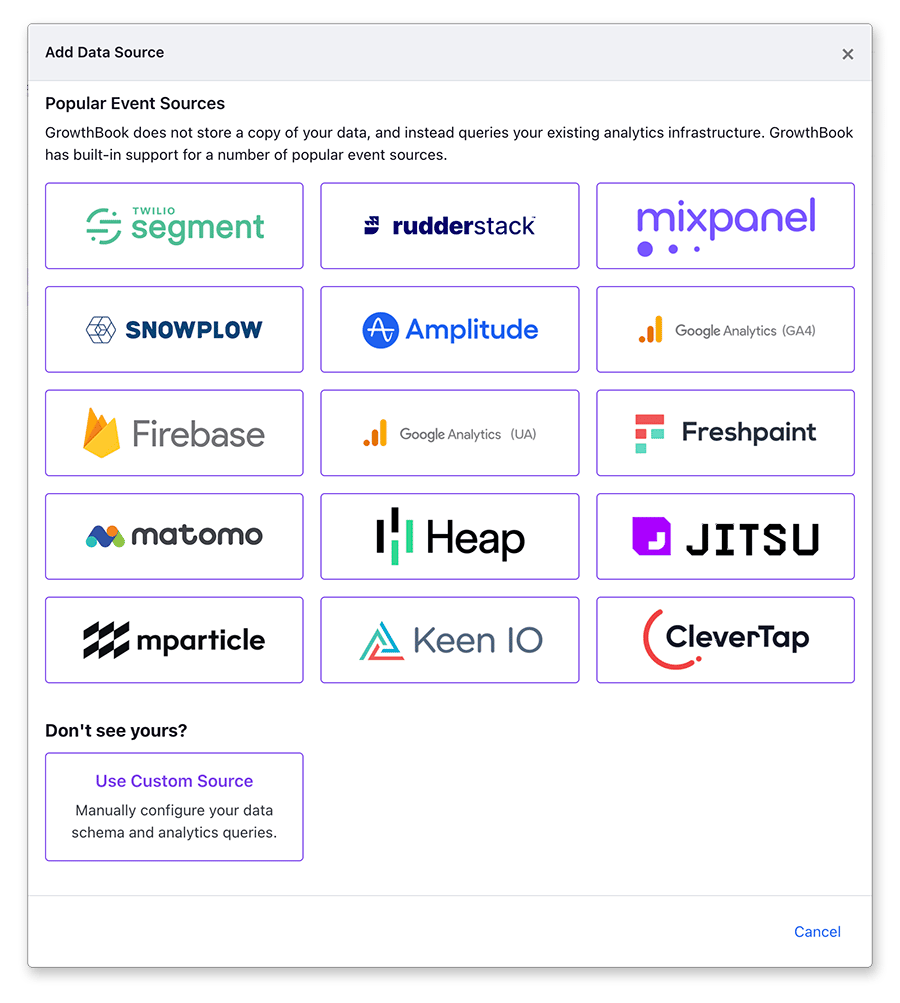
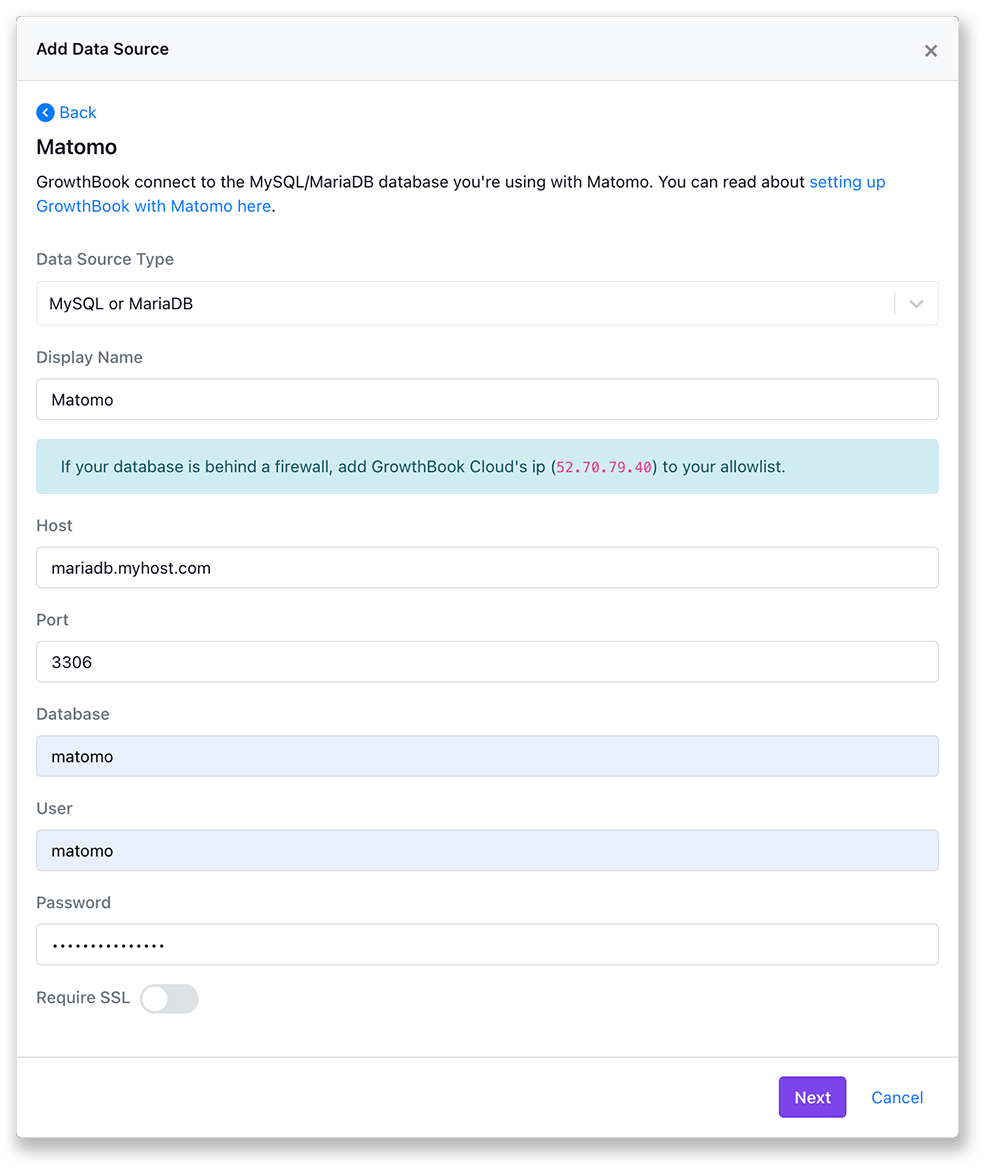
From within the GrowthBook application, navigate to theData Sources page from within the Analysis section. Click on add data source and select Matomo from the list of event sources.