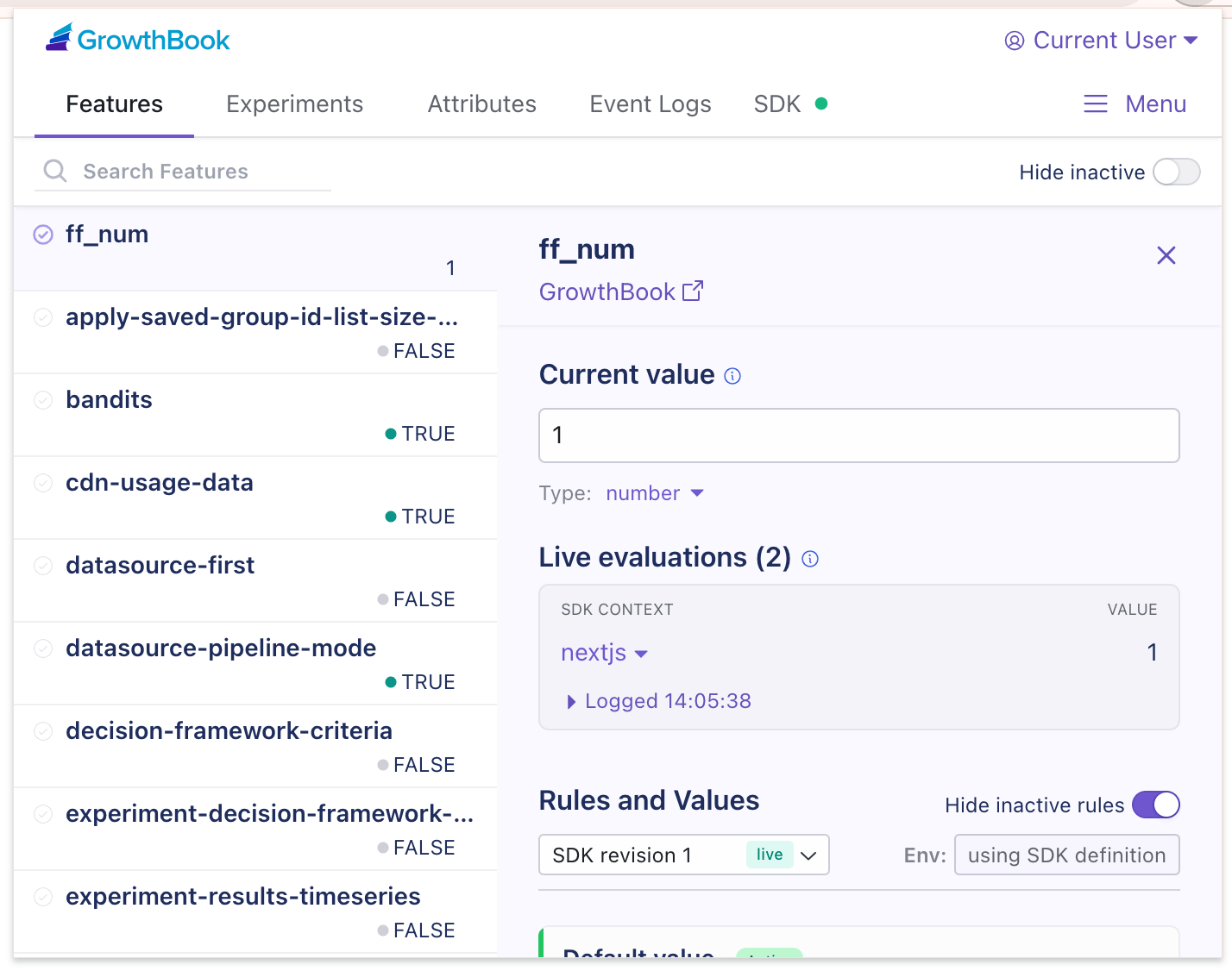
Requirements
GrowthBook DevTools is compatible with Chrome (including Edge, Arc, and most other browsers that enable Chrome extensions) and Firefox. It works with most GrowthBook client SDKs, including the HTML Script Tag, JavaScript SDK, and React SDK (client-rendered). Before using DevTools, ensure your SDK is configured with:Installation
The GrowthBook DevTools browser extension is available for both Chrome and Firefox. GrowthBook DevTools is available for Chrome on the Chrome Web Store and for Firefox on addons.mozilla.org. To install:- Click Add to Chrome / Add to Firefox
- Confirm the installation when prompted
Accessing GrowthBook DevTools
GrowthBook DevTools is accessible in two ways. Use whichever best fits your workflow:1. Quick Access
A lightweight view for quick flag and experiment testing.- Pin the extension to your toolbar (click the puzzle piece 🧩, then pin GrowthBook).
- Click the GrowthBook icon to open the popup.
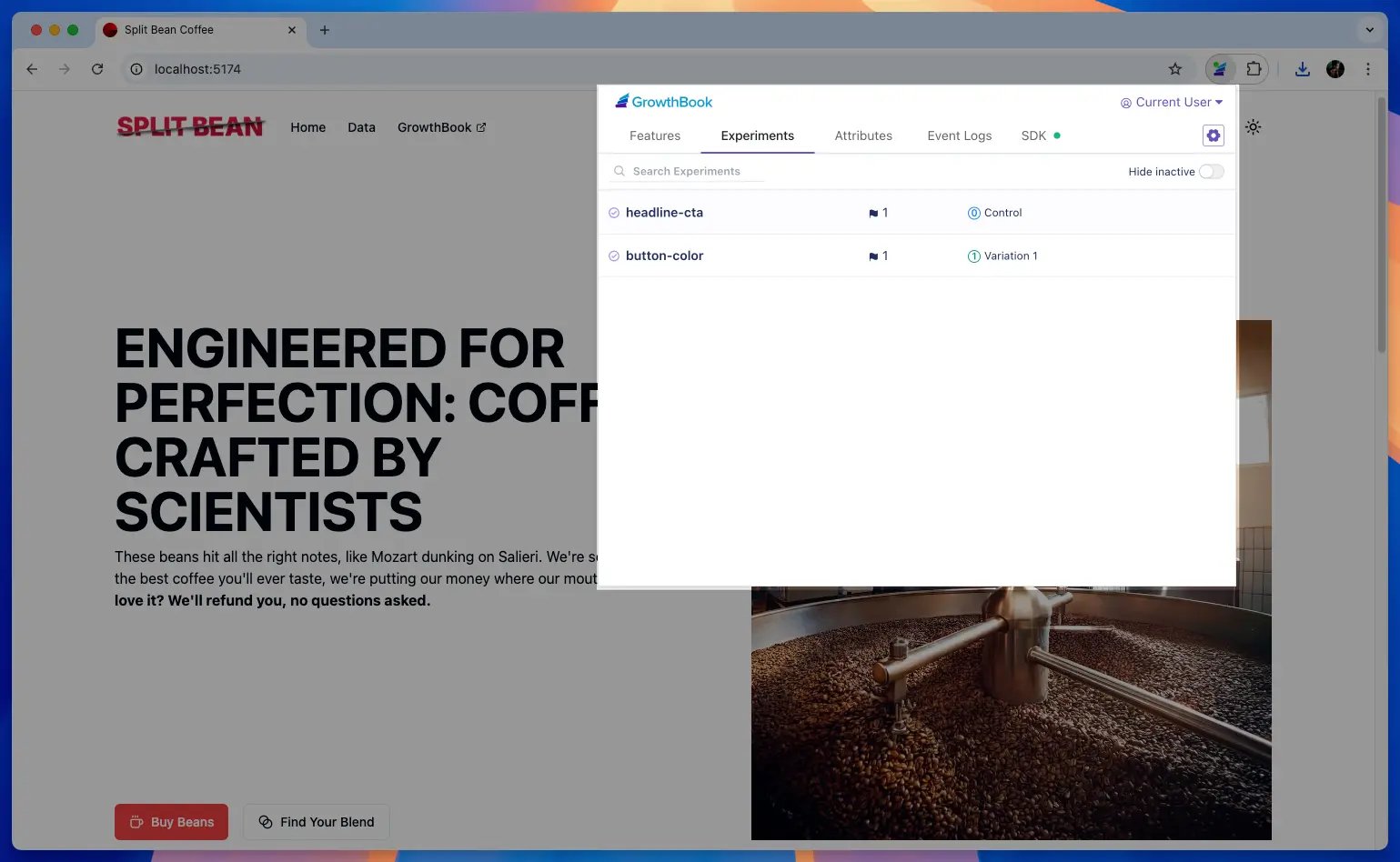
2. Developer Tools Panel
Ideal for when you need more space or want to inspect feature flags alongside other browser developer tools.- Open the Developer Tools with
Cmd+Option+I(Mac) orCtrl+Shift+I(Windows/Linux). - Click the GrowthBook tab in the Developer Tools panel. (If it’s hidden, check the overflow menu ».)
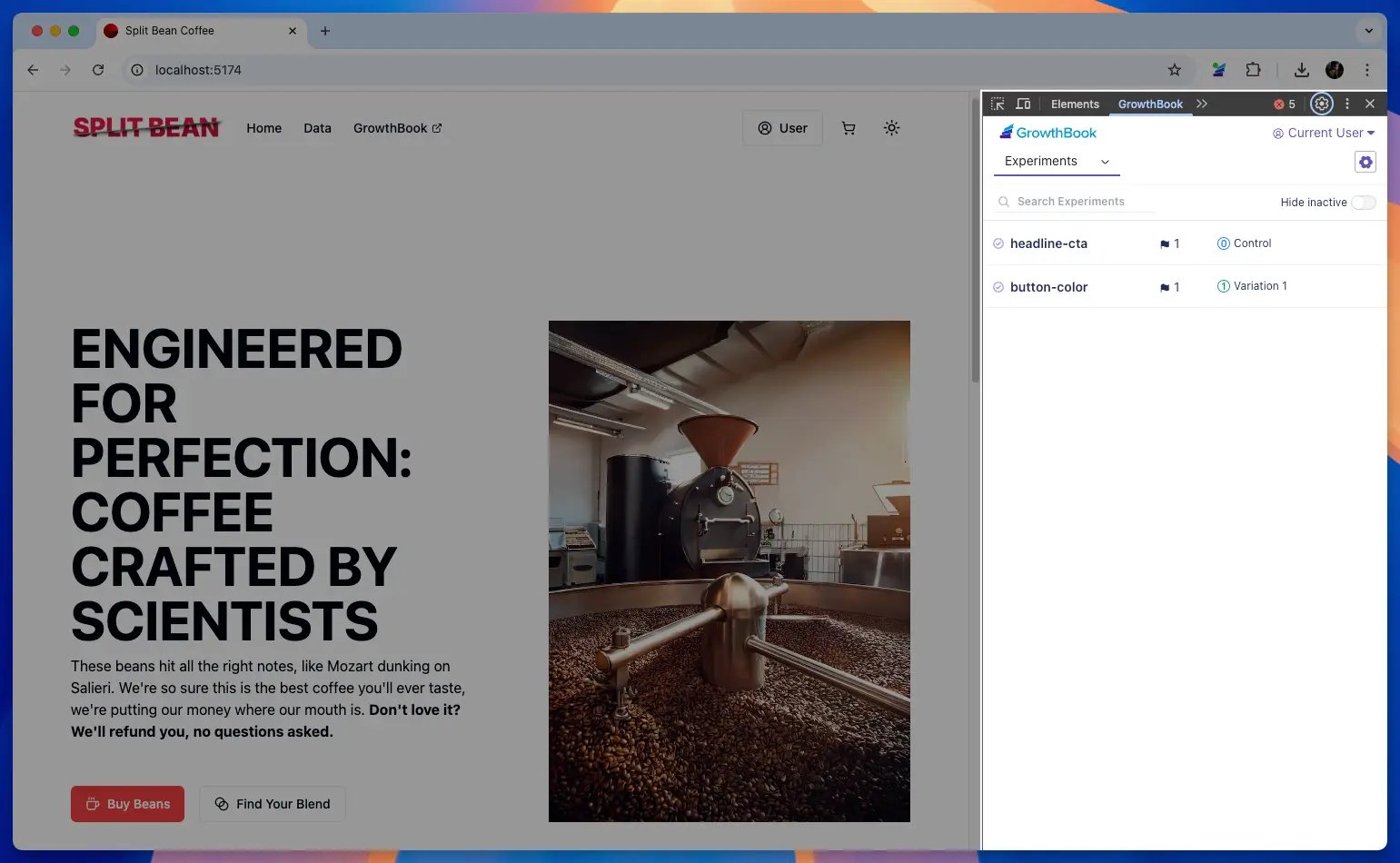
Essential Features
GrowthBook DevTools provides powerful debugging and testing tools, including:- A real-time view of active feature flags and experiments
- The ability to override flags and experiment variations
- A detailed debug log explaining how and why flags were evaluated
- Insights into attributes affecting feature rollouts
- Syncing attributes and Archetypes directly from GrowthBook
Feature Flags & Overrides
The Features tab provides an overview of your feature flags, including their current values and associated experiments (indicated by the flask icon). Click on a feature to open its detail view, where you can:- Override the current value (flip a boolean, change a string, etc.).
- See why the flag was evaluated the way it was under Rules and Values.
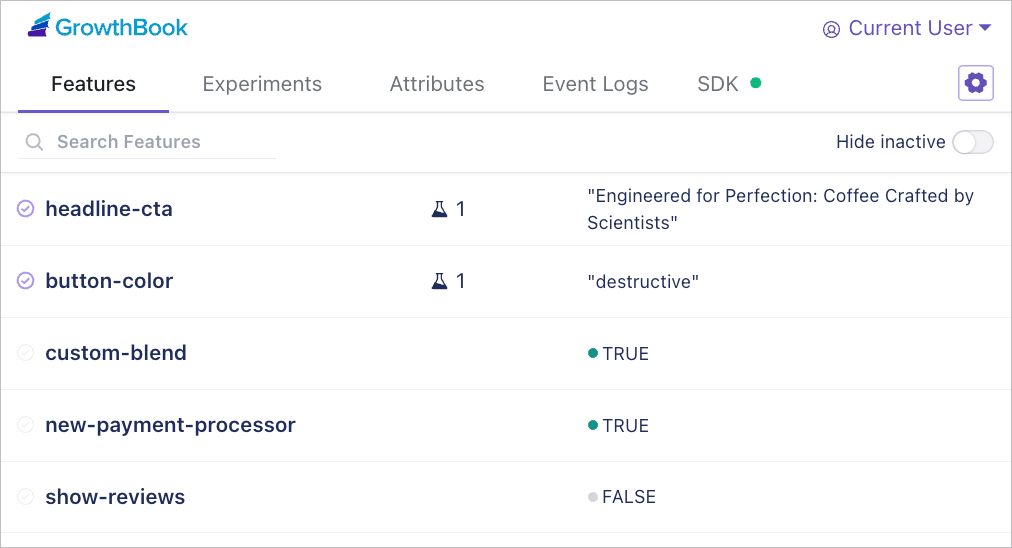
Hiding inactive feature flagsAll feature flags are shown, even if they weren’t evaluated on the page. Use the Hide inactive toggle to hide these flags.
Experiments
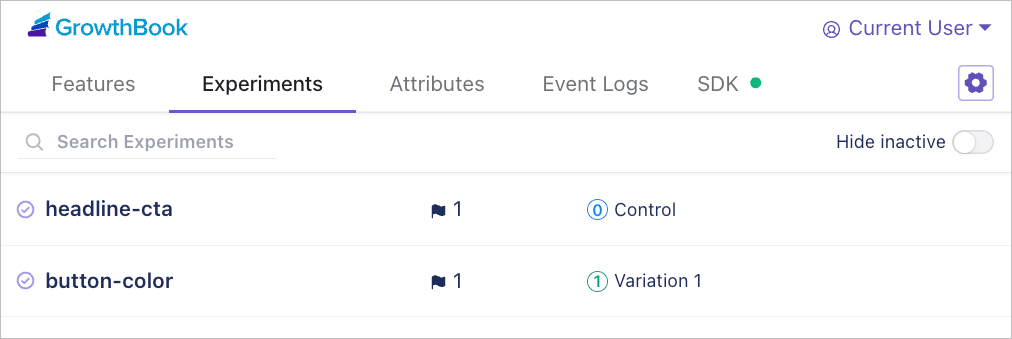
The Experiments tab gives a complete overview of your A/B tests, including how they’re implemented (feature flag, URL redirect, visual editor) and their current values. Click on an experiment to open its detail view, where you can:- See additional experiment data.
- Override the assigned variation to test different experiences.
Attributes
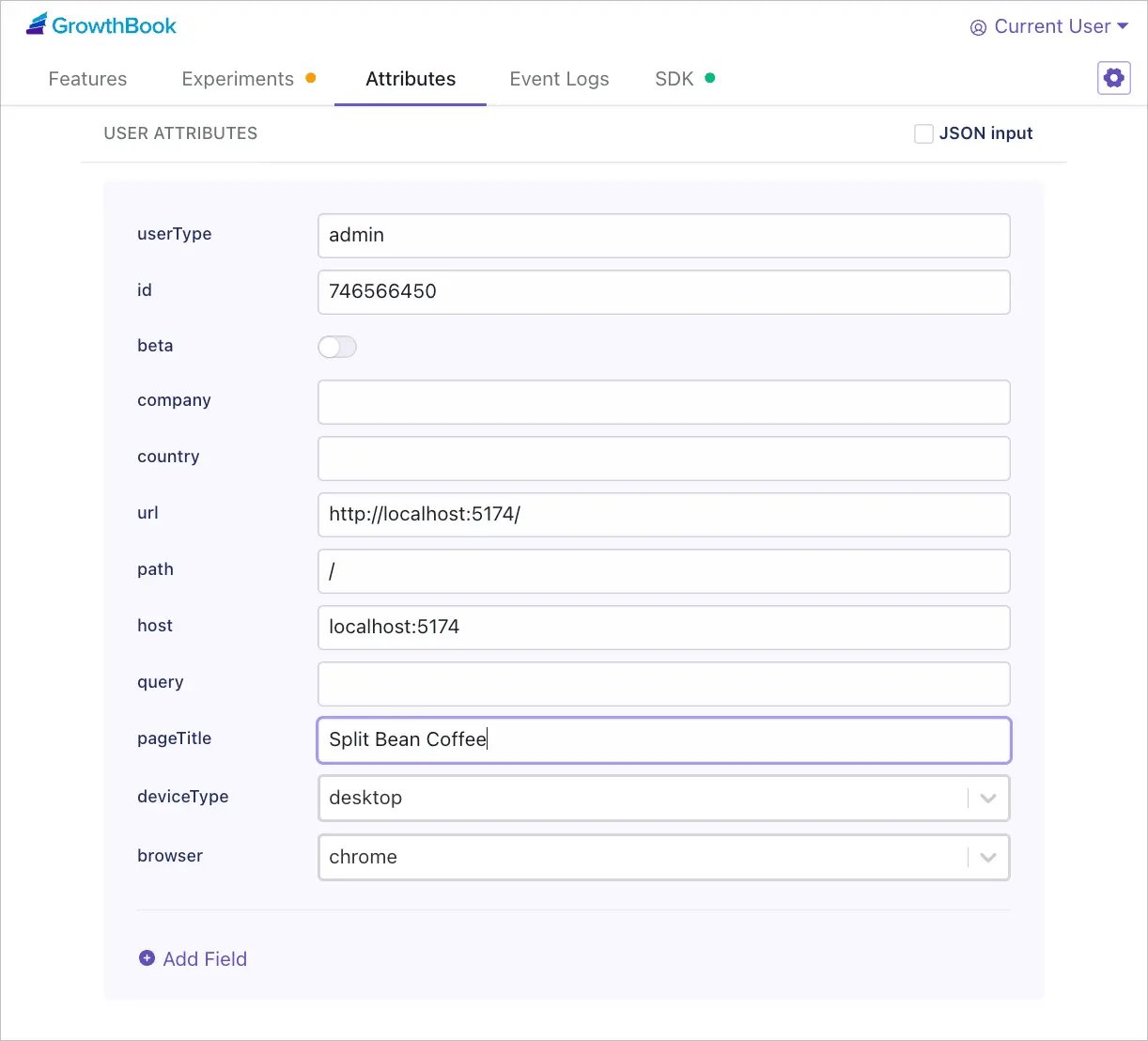
Experiments and feature flags often depend on user attributes (e.g., location, subscription tier). The Attributes tab lets you:- View and edit the attributes the GrowthBook SDK is using.
- Override attributes to test different scenarios (e.g., simulate a Pro user vs. Free user).
- Use JSON input for more complex setups.
Event Logs
When configured in the SDK, Event logs show 3 types of data:- Feature result logs via
onFeatureUsage. - Experiment tracking callbacks via
trackingCallback. - Metric events sent via
eventLogger.
SDK
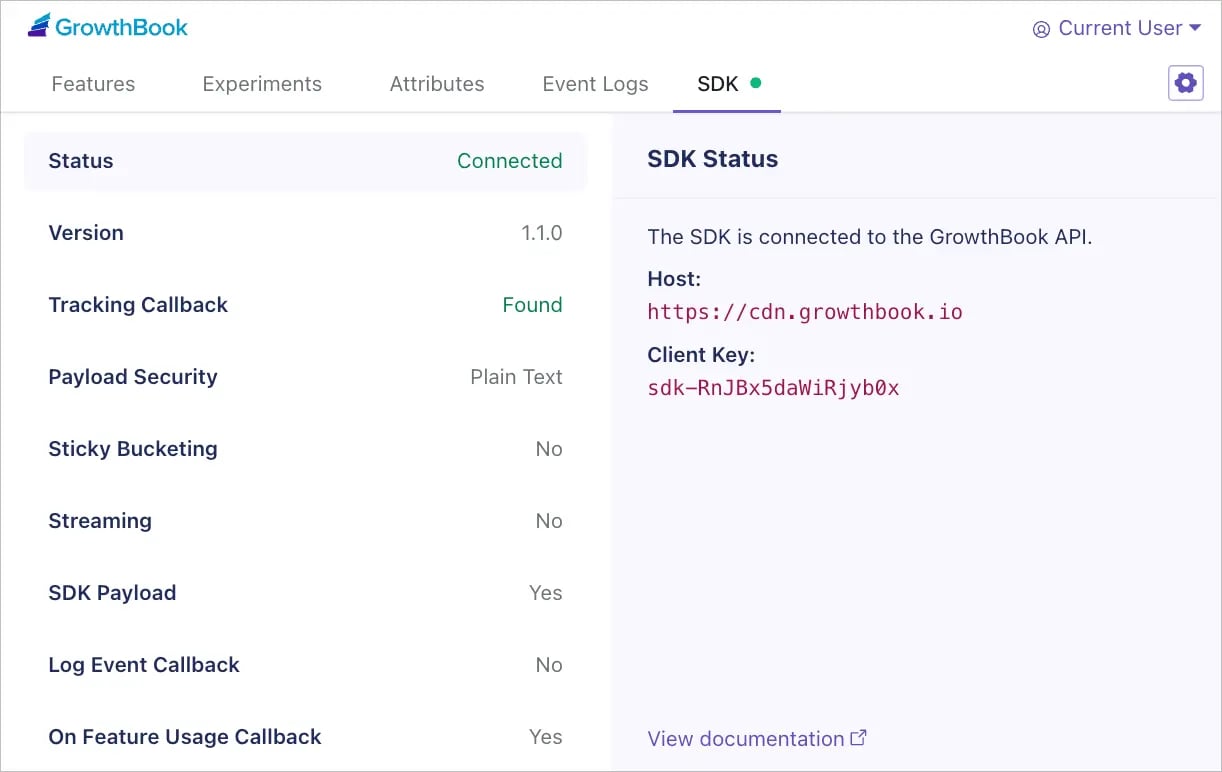
The SDK tab provides helpful data about your SDK, including its connection status, along with debug info and resource links if you encounter an issue. Click on each property for additional details and a short description of its function. Two particularly useful fields for debugging:- Sticky Bucketing detail shows all sticky buckets for the current user.
- SDK Payload shows the actual payload the SDK is using.
Advanced Features
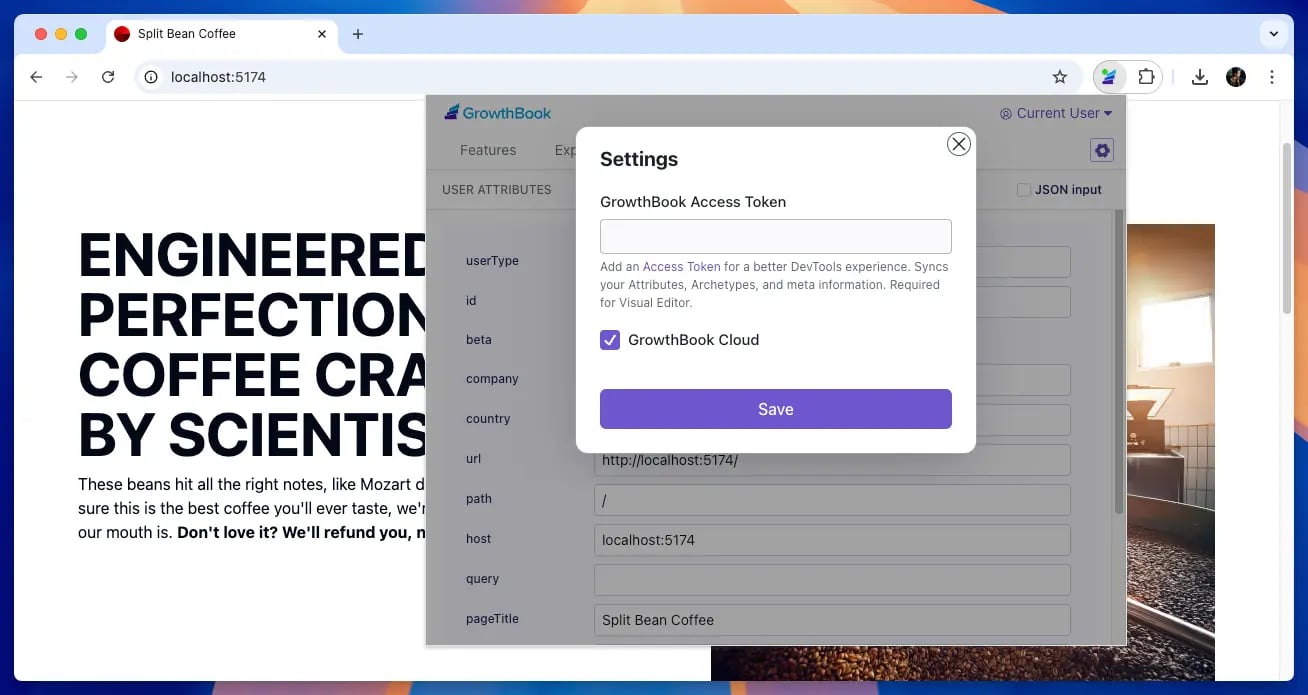
GrowthBook DevTools works great out of the box, but if you want even more power, enable advanced features with an Access Token:- Synced attributes: Brings in all possible attributes and their types from GrowthBook.
- Archetypes: Toggle between preset user attributes defined in GrowthBook.
- Feature revisions and drafts: Preview how feature drafts or previous revisions would behave on your site.
- Click on the cog icon ⚙️
- Add a Personal Access Token. (Use the Access Token link to create a token in GrowthBook.)
- If self-hosting, uncheck GrowthBook Cloud and enter your API details.
- Click Save.
Back End Debugging
DevTools supports back end debugging. This includes:- Applying feature, experiment, and attribute overrides to a back-end SDK, and
- Displaying back-end evaluation results within DevTools